Today
Only today’s exercise is waiting
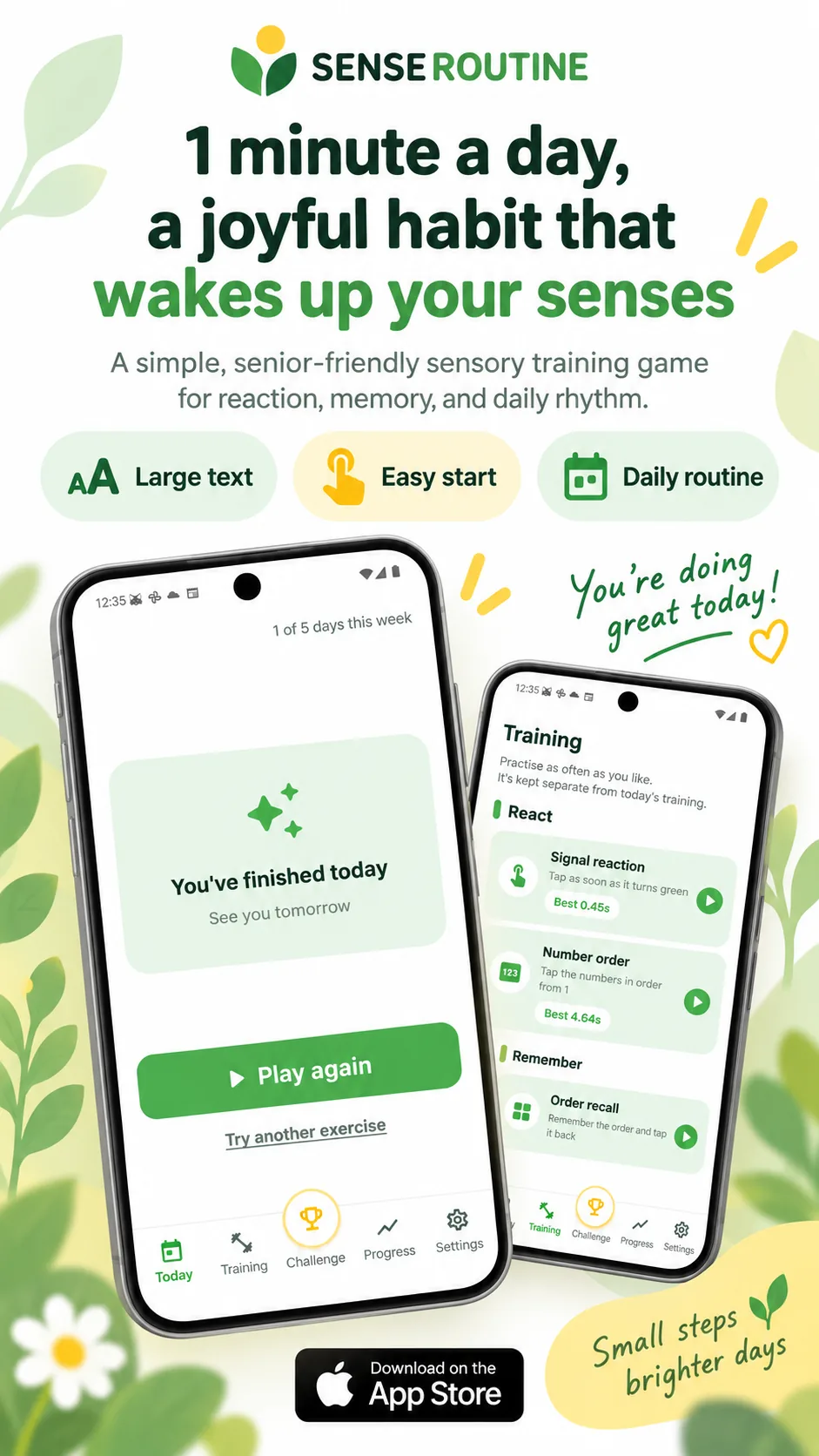
Open the app and one exercise sits there as a large button. Finish it and the screen says you are done for today. Want another round? Tap again. There are no menus to dig through.
Android · Free
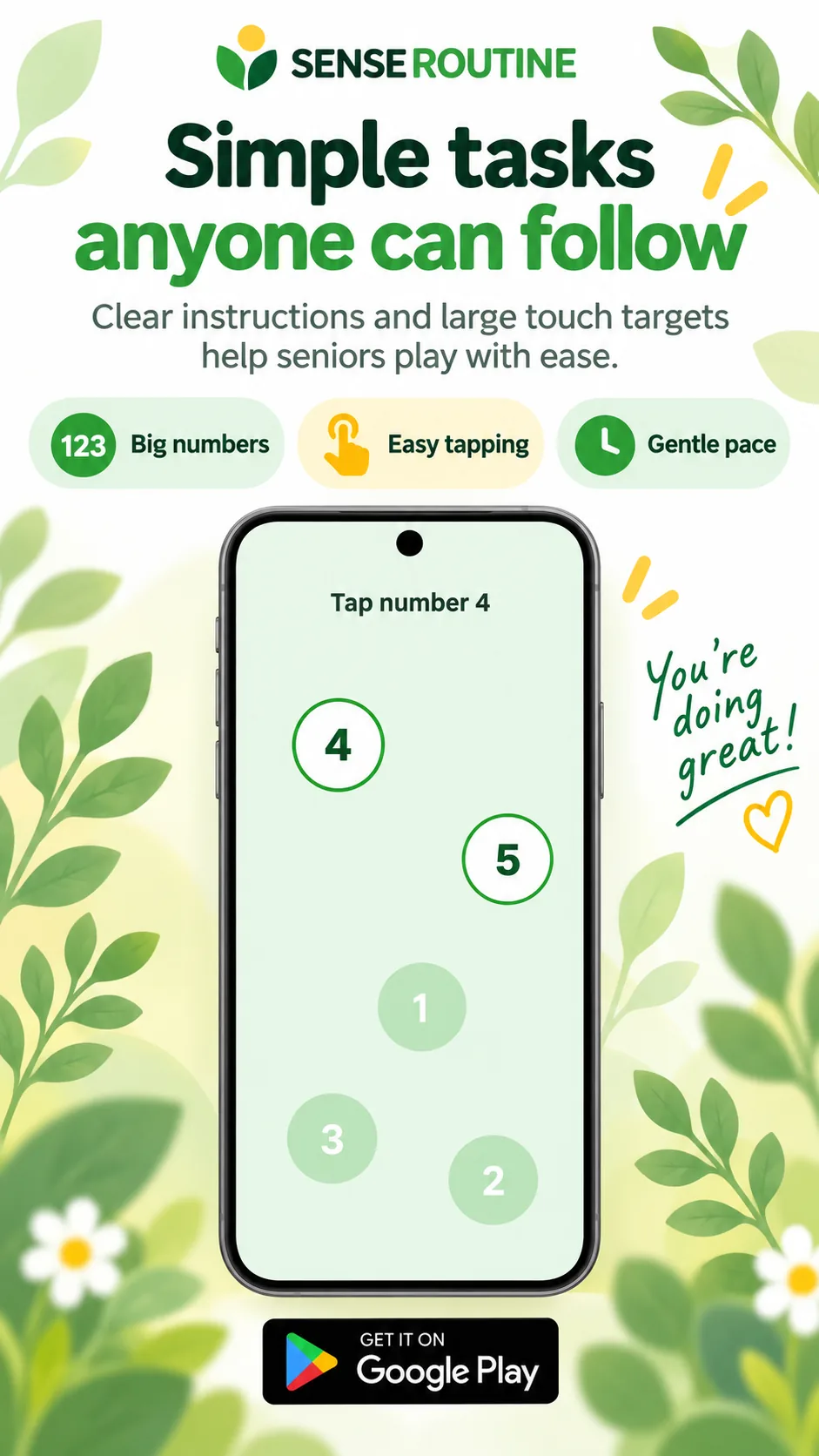
Tap when the light turns green. Tap the numbers from one. Repeat the order you were just shown. A round takes about a minute. The text is large and the buttons are wide, so there is nothing to learn first.
Free. No account, no sign-in.
Each rule is one sentence, and that sentence stays on screen while you play.
One thing on the screen at a time.
Today
Open the app and one exercise sits there as a large button. Finish it and the screen says you are done for today. Want another round? Tap again. There are no menus to dig through.
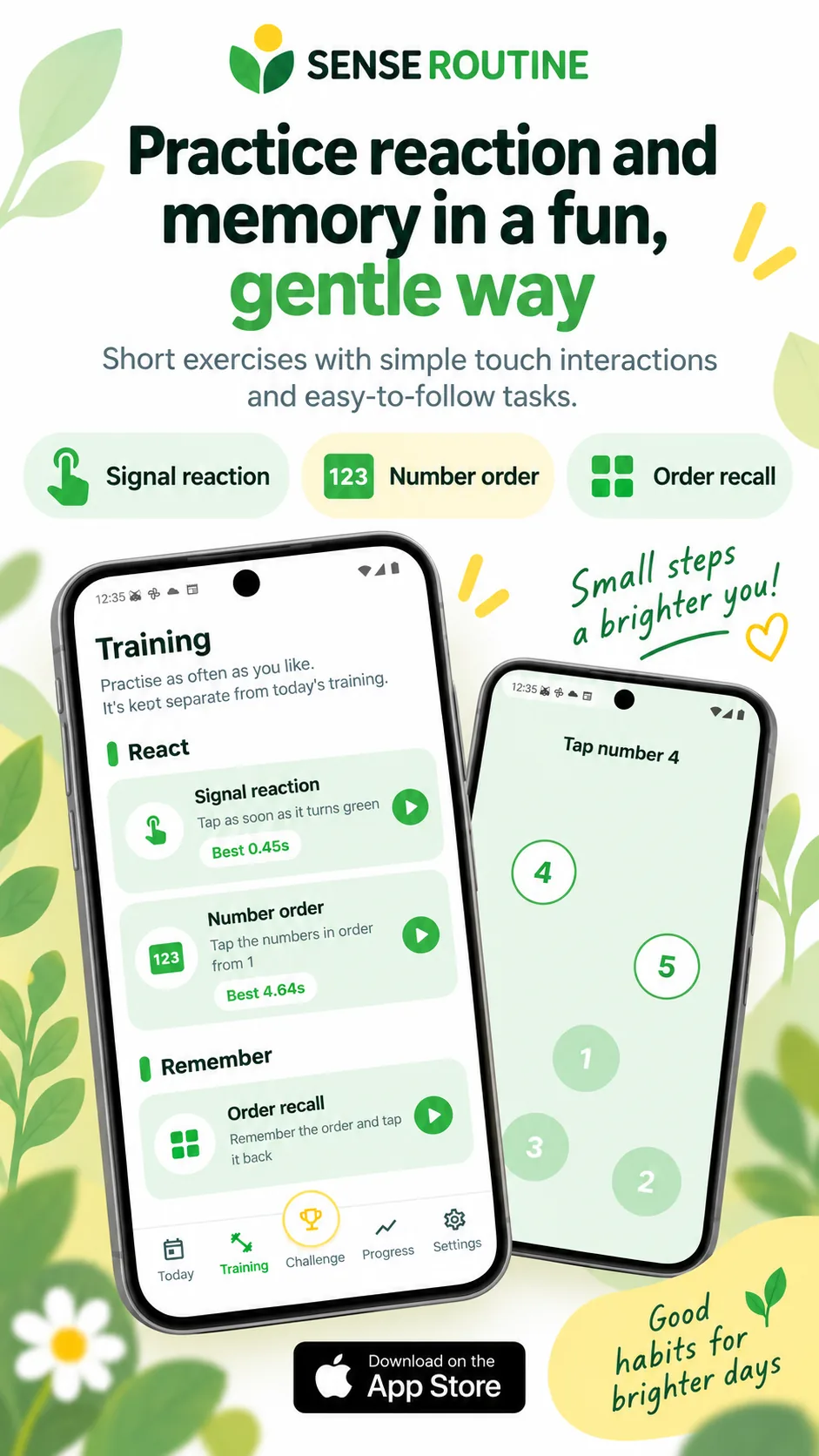
Training
Tap as soon as it turns green. Tap the scattered numbers in order from one. Watch a short sequence and tap it back. Practise as often as you like — practice is kept separate from today’s record.
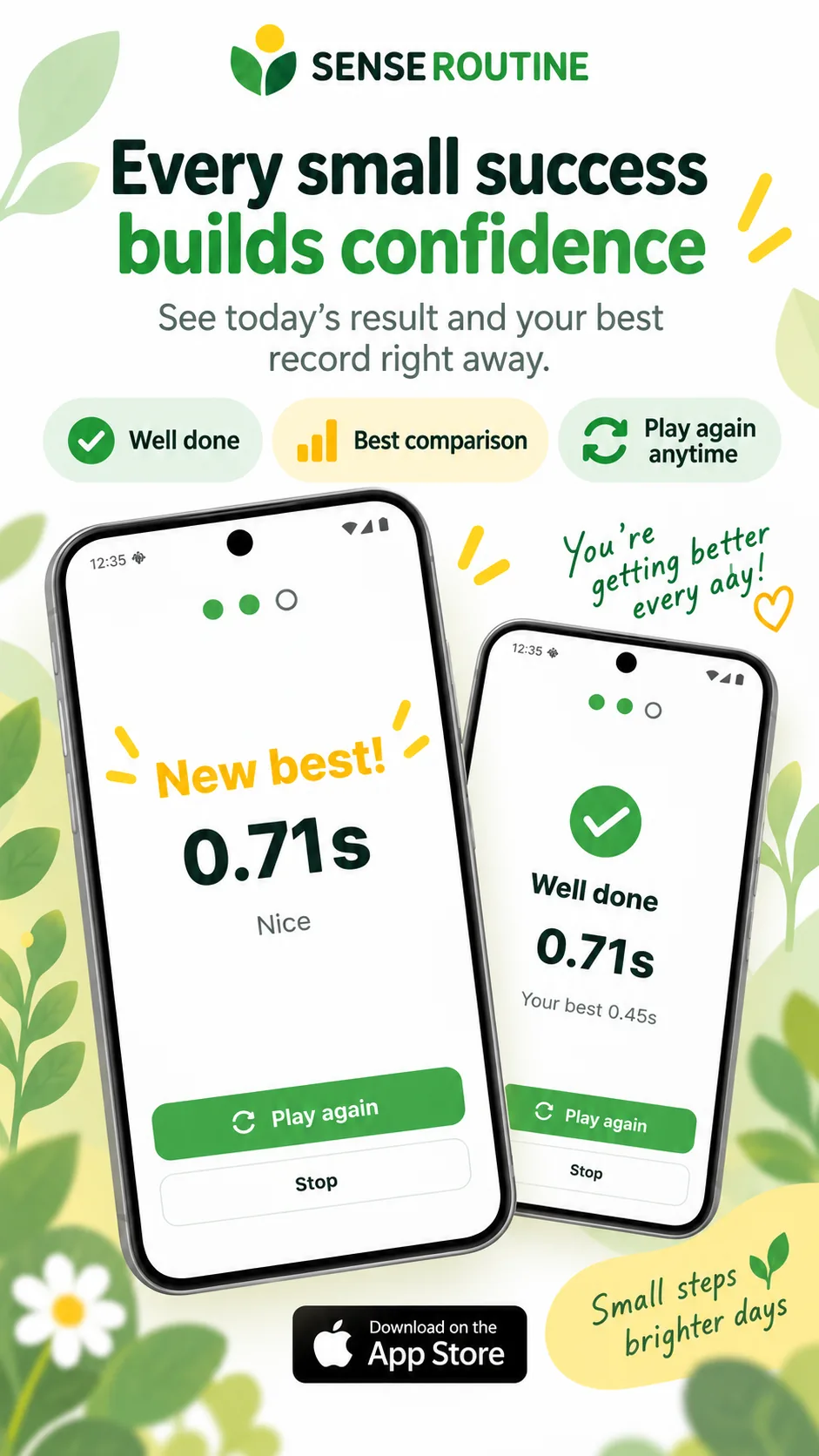
Result
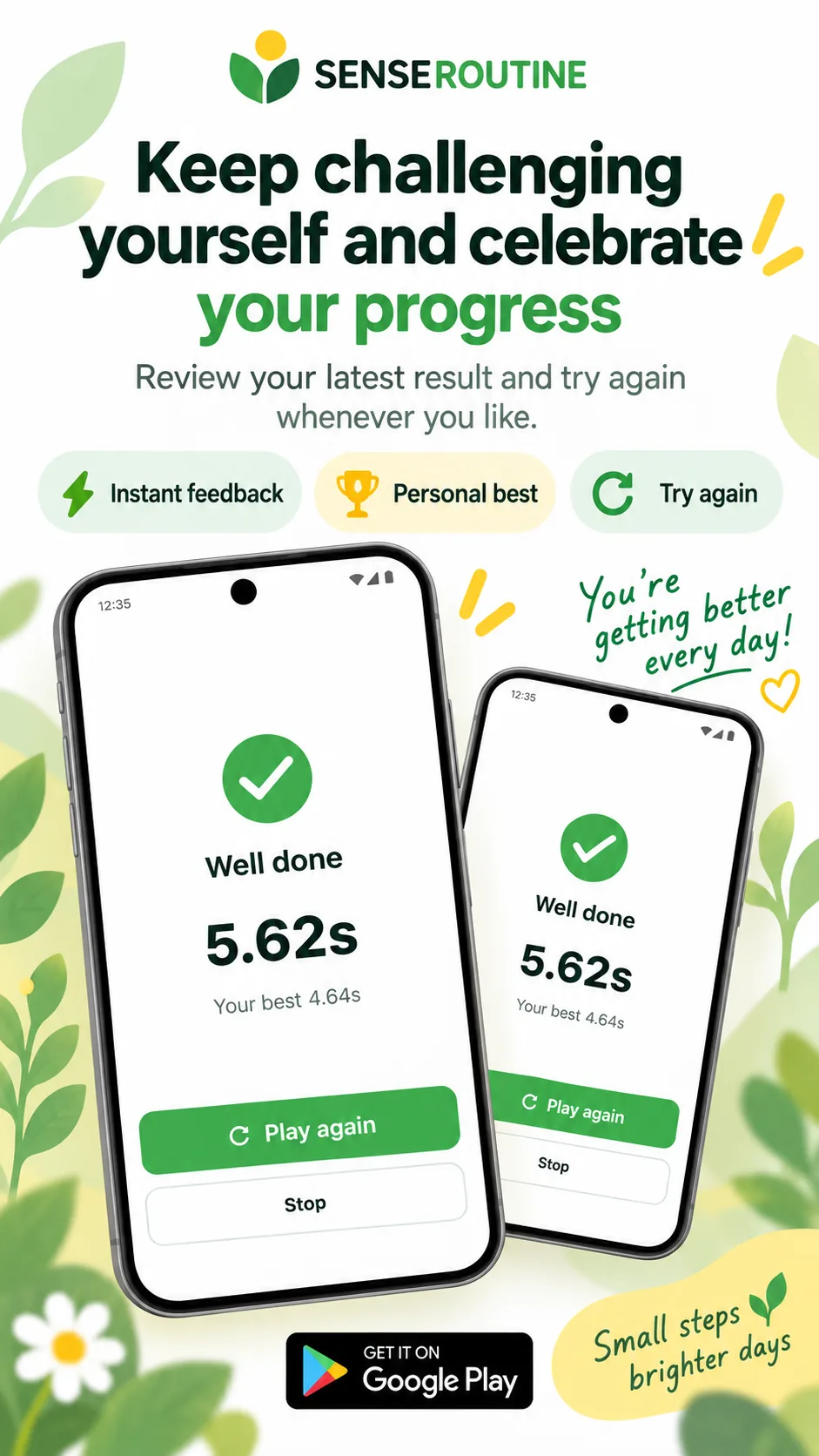
When a round ends you see this attempt next to your best one. Faster than before and it is marked as a new personal best. It is not a score against other people — it is a number to compare with yesterday.
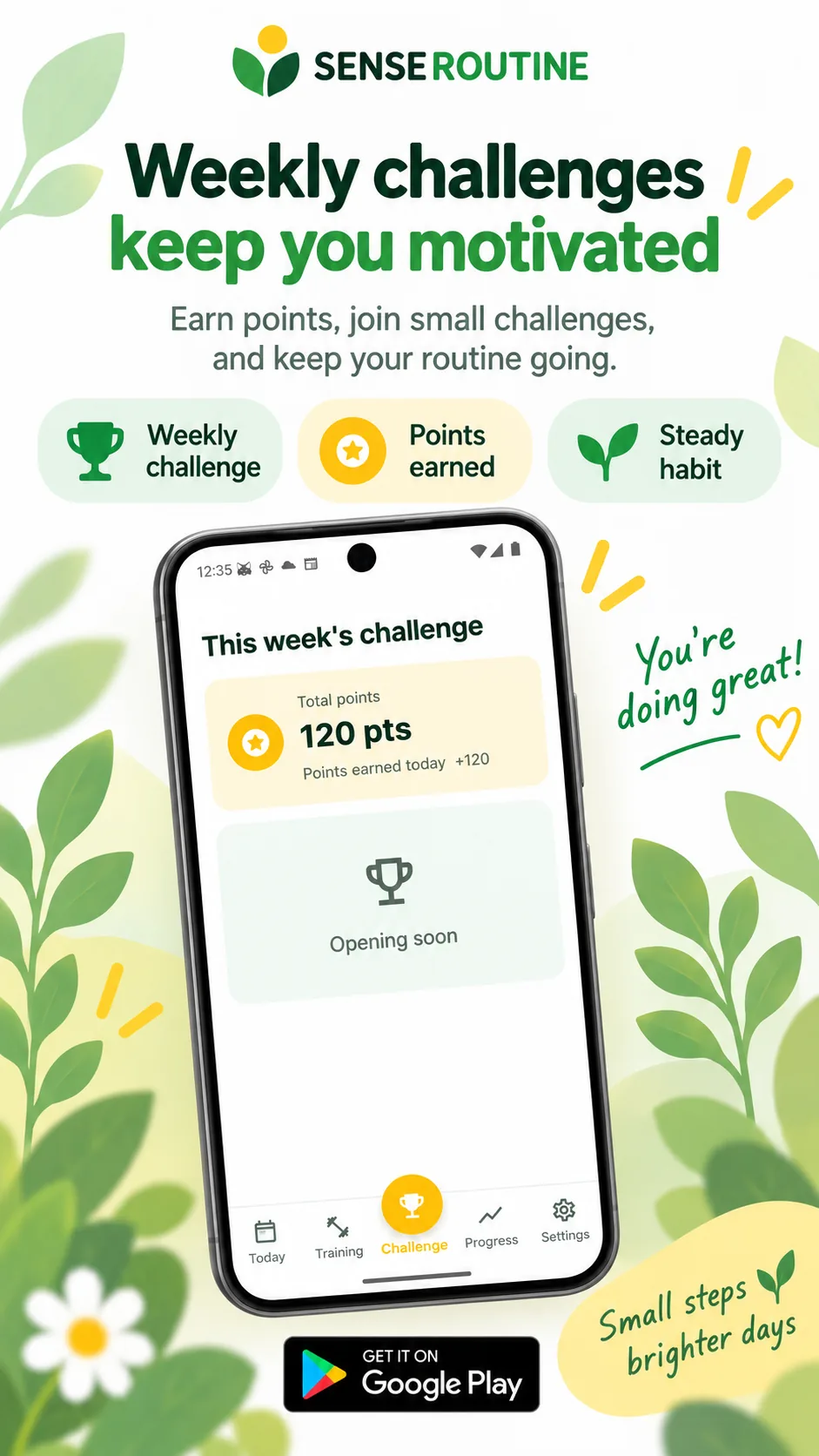
Challenge
Something like “play on five days this week”. Each day you finish adds points and fills the bar. Missing a day does not send you back to the start.
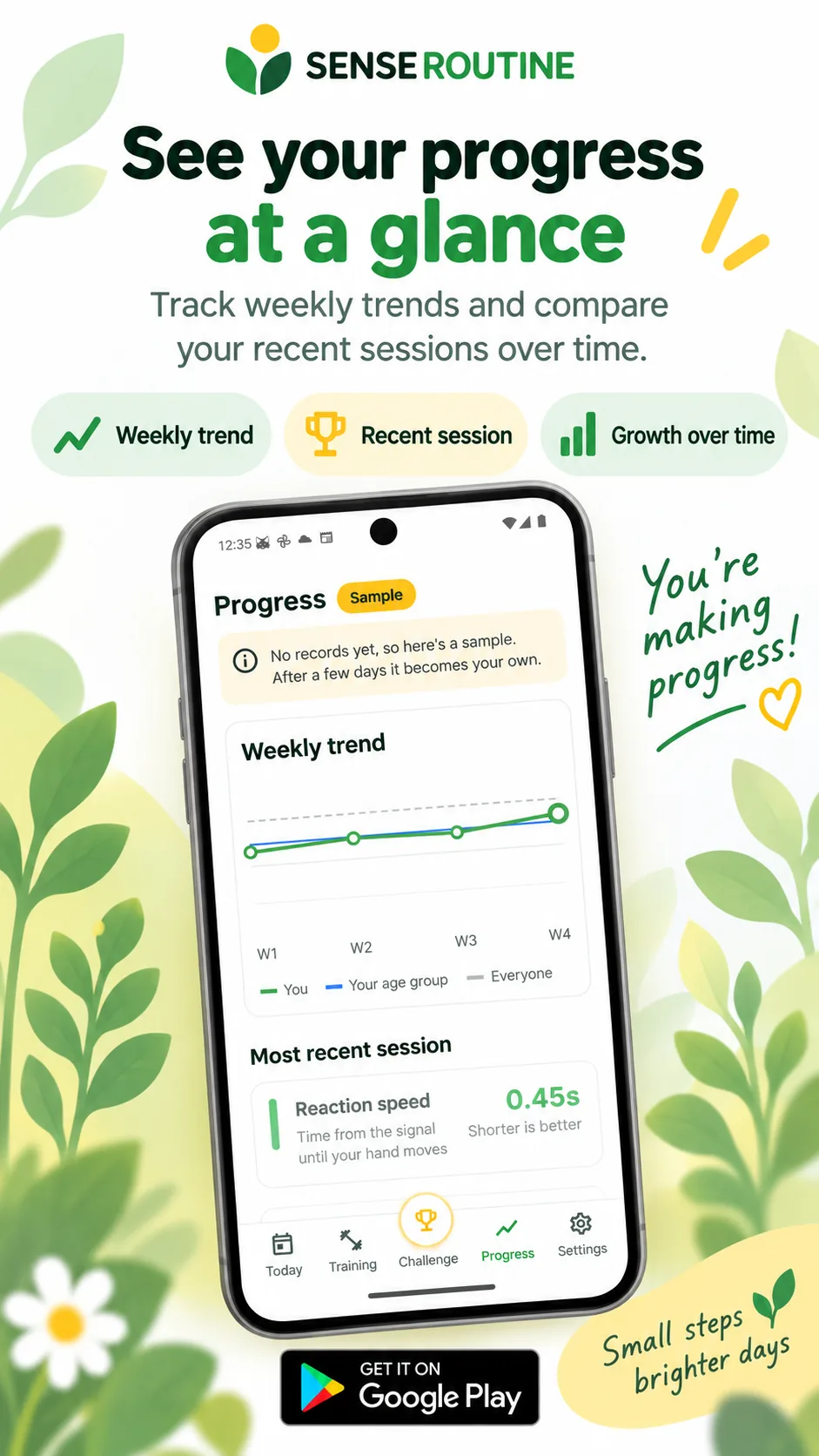
Progress
A line shows how your weekly average moved. You can lay the average for your age group, and everyone’s average, over the top. Before you have records of your own the chart shows a sample, and after a few days that space becomes yours.
Your records stay on the phone. Only the group averages come from a server.
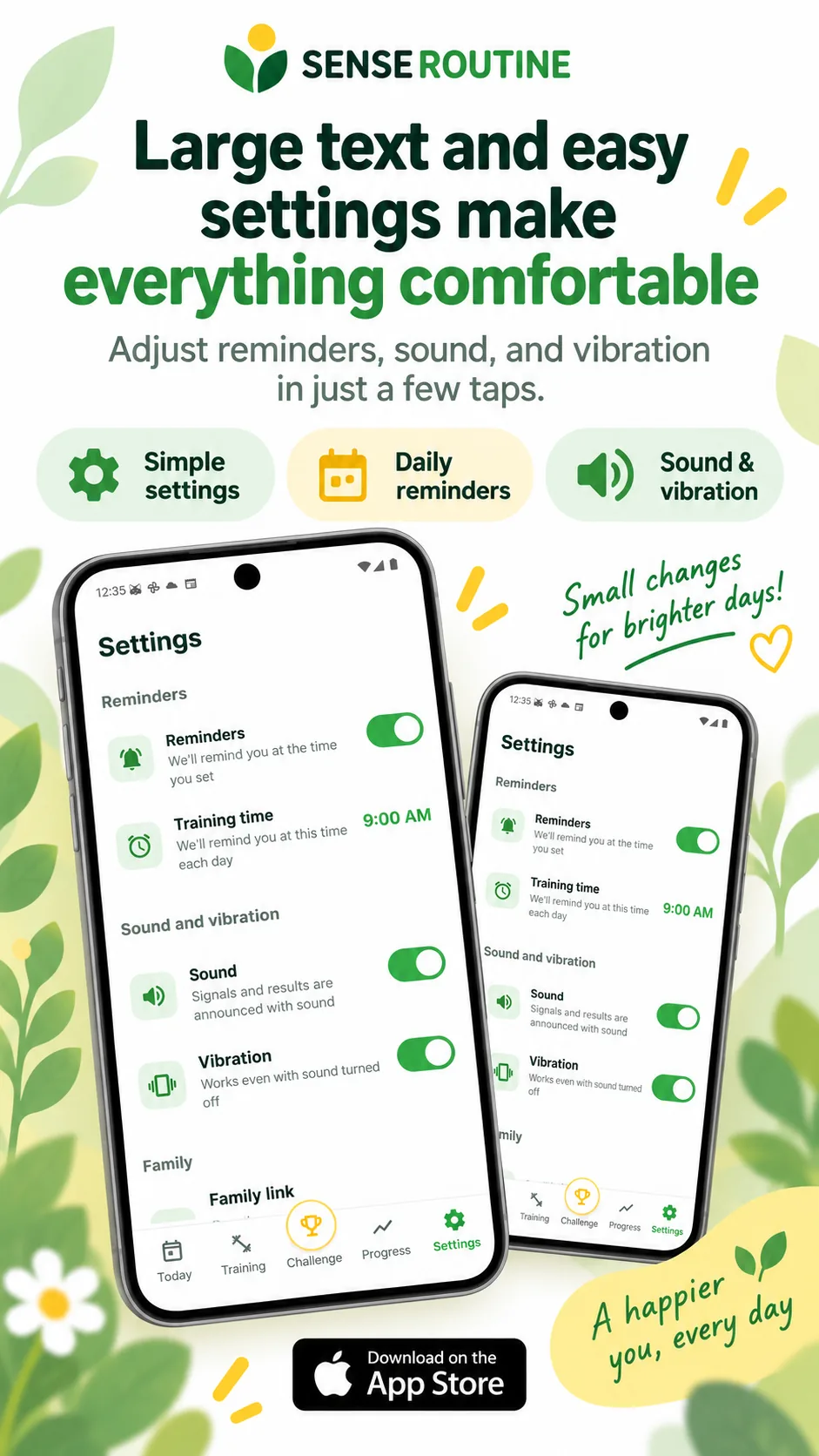
Easy to use
Large text, wide buttons, and one or two things to tap on any screen. Set a time and the app reminds you once a day, at that time. Turn the sound off and it can still reach you by vibration.
한국어English日本語中文
Settings are four rows. Nothing here is hard to undo.
What goes where
There is no account, so we never ask for a name or a phone number. To keep the app free we show advertising, we analyse usage to fix what breaks, and we use pseudonymised records for research, development and academic work. The policy sets all of it out line by line.
Price
The exercises, the records and the weekly challenge are all free. There is no payment screen, and no trial that starts charging you. Advertising in the app pays for the servers and the development instead.
Free No hidden cost. There is no screen that asks for payment details.
Senseroutine is built to support dementia-prevention activity and everyday brain fitness. Short reaction and memory activity is designed to become a daily habit, and the records let you watch your own changes over time. It is not a medical device, so it does not stand in for a diagnosis. If you are worried about a change in memory or health, take your records to a doctor.
Much as you walk a little every day for your body, it means keeping up a short daily activity that uses reaction, memory and attention. Senseroutine turns that into a one-minute habit and shows you how well the habit is holding. We are pursuing collaboration with cognitive-health societies and research institutions, and pseudonymised records from the app inform that research.
Yes. There is no payment screen. If that changes, this page and the store listing will change with it.
No. Open the app and start. We do not ask for a name or a phone number.
The exercises and your records work offline, so you can keep mobile data switched off. Only the age-group and overall averages refresh when you are connected.
A minute is enough. Doing it every day matters more than doing it for a long time. On days when you want more, the training tab lets you practise as much as you like, and that practice is kept separate from today’s record.
That is normal. On a tired night your reactions slow down. Read the line across a few weeks instead of one day’s number — that is why the chart is weekly.
Increase the font size in your phone’s settings and the app follows it. On Android that is Settings → Display → Font size. If it is still too small, write to support@senseroutine.com.
Yes. Turn the sound off in settings and it uses vibration. With both off the exercises still work exactly the same.
Yes. Advertising is what keeps the app free. If you would rather not see ads matched to your interests, delete the advertising ID in Settings → Privacy → Ads on your device. Ads still appear after that; they simply stop being personalised.
Yes, after they are pseudonymised. We use them to research and develop sensory training programmes and services that support healthy daily activity, and they may appear in academic research and papers. They are stripped of anything identifying before analysis, and findings are published only as statistics. Write to privacy@senseroutine.com if you would rather they were not used.
Yes, and many people do. It helps to agree on the reminder time together. Records stay on that phone, so they will not mix with yours.
Not yet. Android is out now and an iPhone version is in preparation.
Deleting the app deletes the records on the phone with it. There is no copy left behind.